Bija help & setup
Everything you need to get your family growing — from the first sign-in to reading the parent portal.
What is Bija
Bija is a mastery-based math tutor. Instead of watching videos, students practice one skill at a time and have to get five questions right in a row before the skill counts as mastered and the next one unlocks. Every question is generated fresh, so there's no answer key to memorize — only the method to learn.
It's built for families: a parent sets up a family, each child joins on their own phone, and the parent can see exactly where everyone is stuck.
Signing in
Everyone — parents and kids — signs in the same simple way: with a phone number. There's no password and no app to download.
- Go to bijamath.com on your phone.
- Enter your mobile number and tap Send code.
- Type the 6-digit code you receive by text. That's it — you're in.
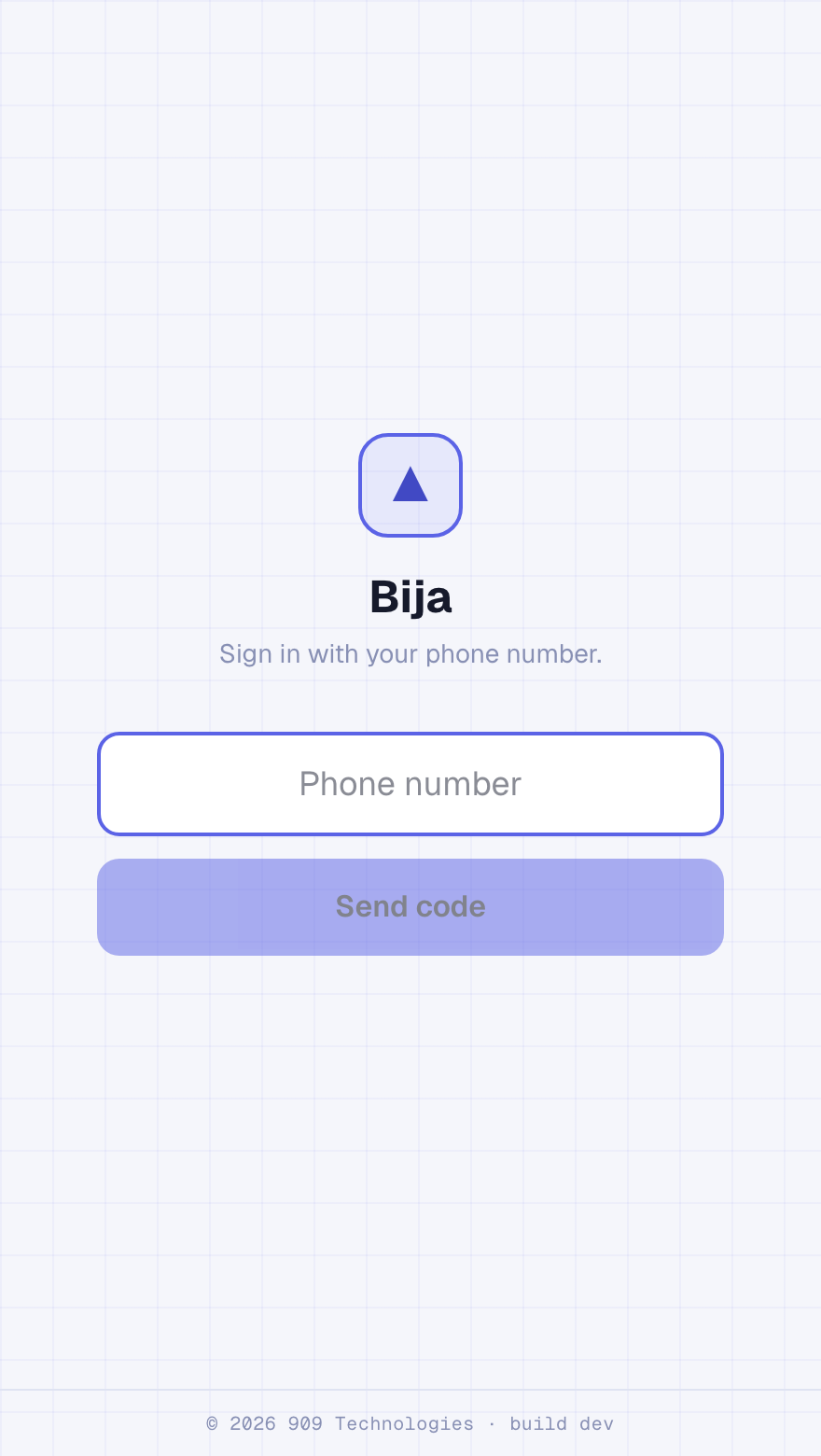
Each person uses their own phone number — that's how Bija keeps each student's progress separate inside the family.
Create your family · parents
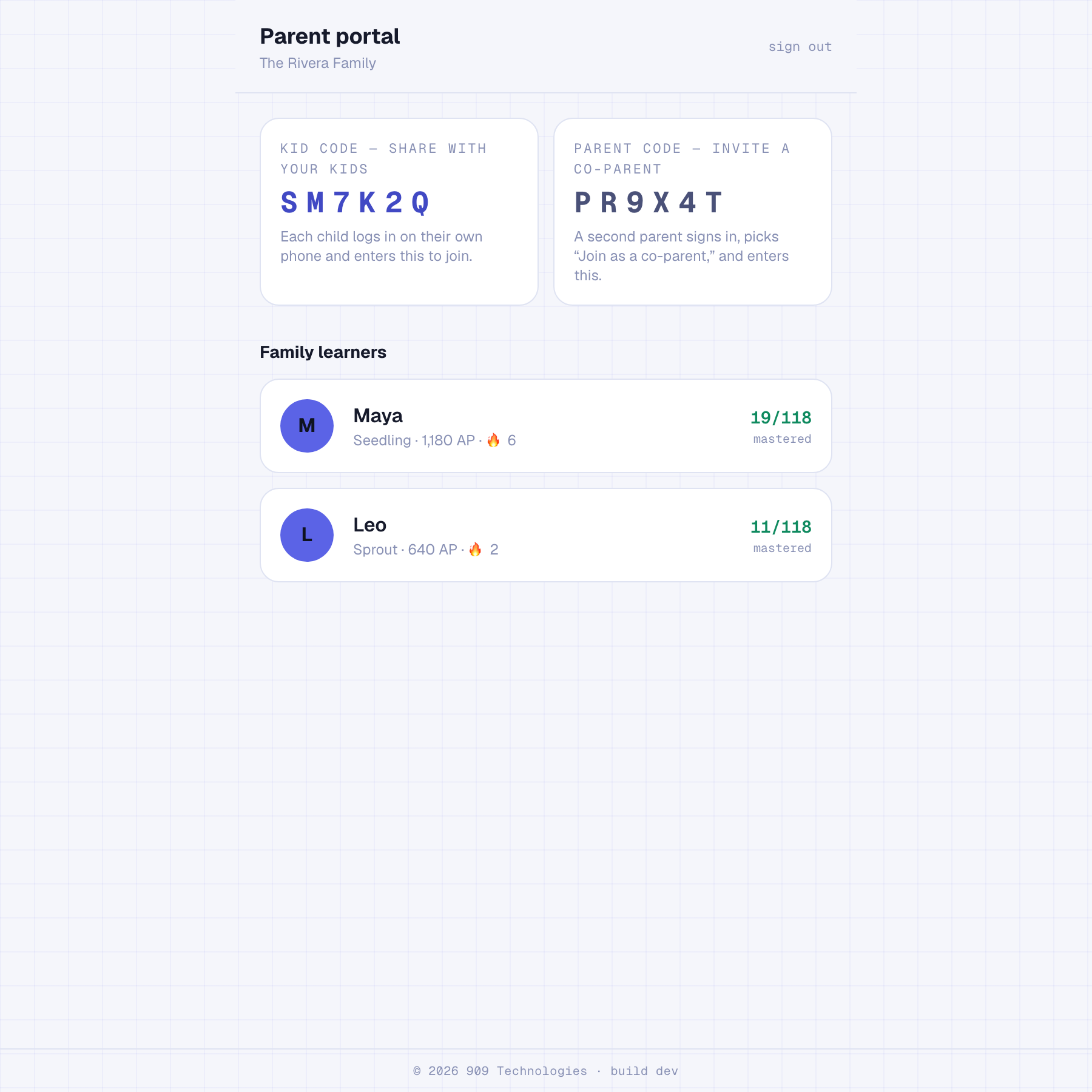
The first time you sign in, Bija asks whether you're setting things up or joining. Choose “I'm a parent,” then “Create a new family.” Enter your name and you're done — Bija generates two codes for you.
- A kid code — share this with your children so they can join.
- A parent code — use this to add a second parent later.
Both codes always live at the top of your parent portal, so you never have to write them down.
Invite your kids
- Open your parent portal and find the Kid code at the top.
- Have each child sign in on their own phone at bijamath.com.
- They choose “I'm a student,” enter the kid code and their first name, and tap Start growing.
Same code for every child. All your kids use the one kid code — Bija keeps their progress separate by phone number.
Add a co-parent
Want a second parent to see the portal too? Share your parent code (the second code in your portal).
- The second parent signs in with their own phone number.
- They choose “I'm a parent,” then “Join as a co-parent.”
- They enter the parent code and their name — and they'll see the same family and the same kids.
Read the parent portal
The portal is your home base. At a glance you'll see every learner's rank, Roots, streak, and how many skills they've mastered.
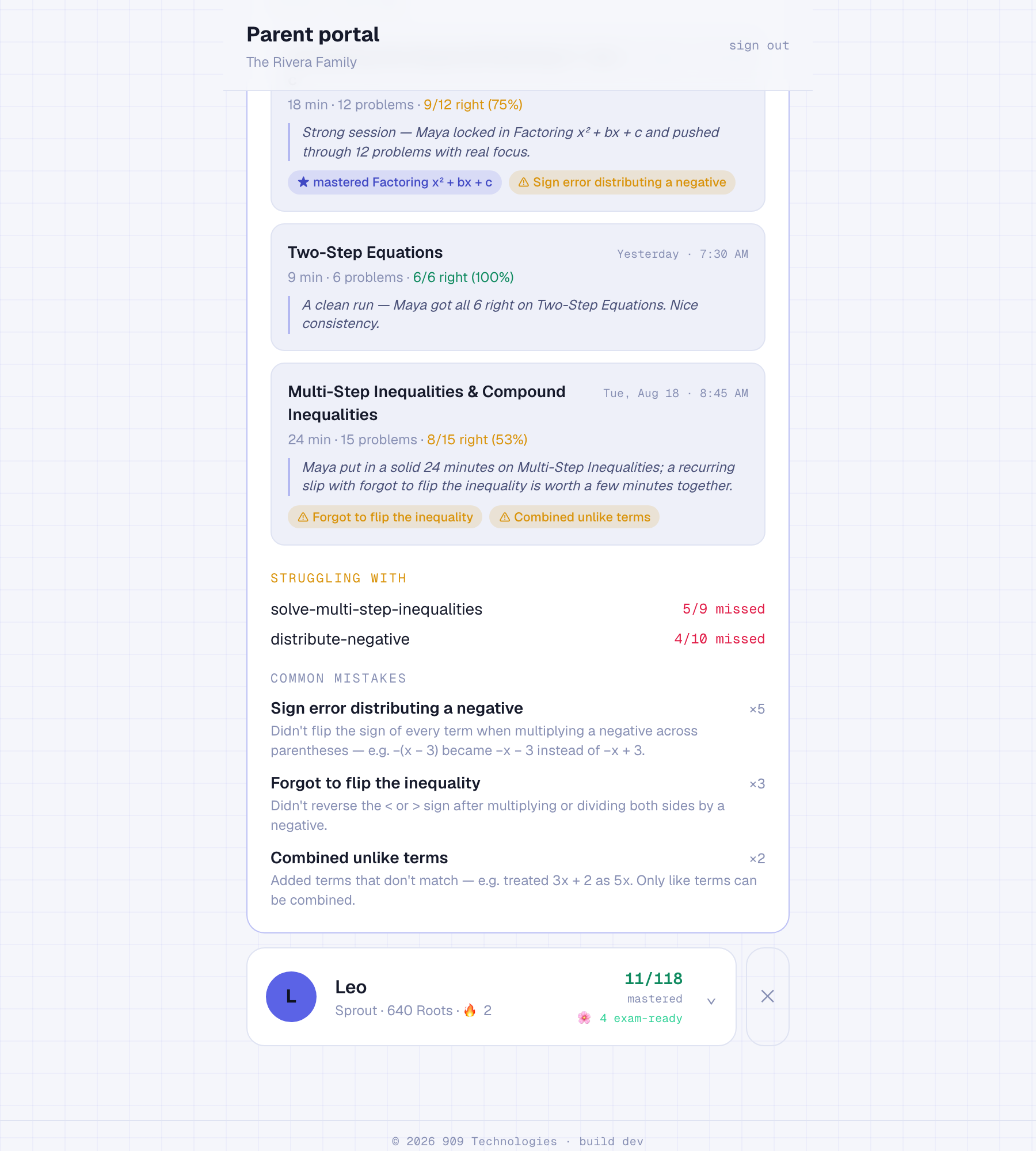
Tap a child to drill in. Bija surfaces the specific misconceptions behind their wrong answers — like flipping a sign when distributing a negative — and flags the skills where they're getting stuck, so you know exactly what to help with.
You'll also see a recap of every study session. After each sitting, Bija writes a short, plain-words summary — what they worked on, what clicked, and the one thing worth practicing together.
Join your family · students
Ask your parent for the family's kid code, then:
- Sign in at bijamath.com with your phone number.
- Choose “I'm a student.”
- Enter the kid code and your first name, and tap Start growing.
Finding your level · students
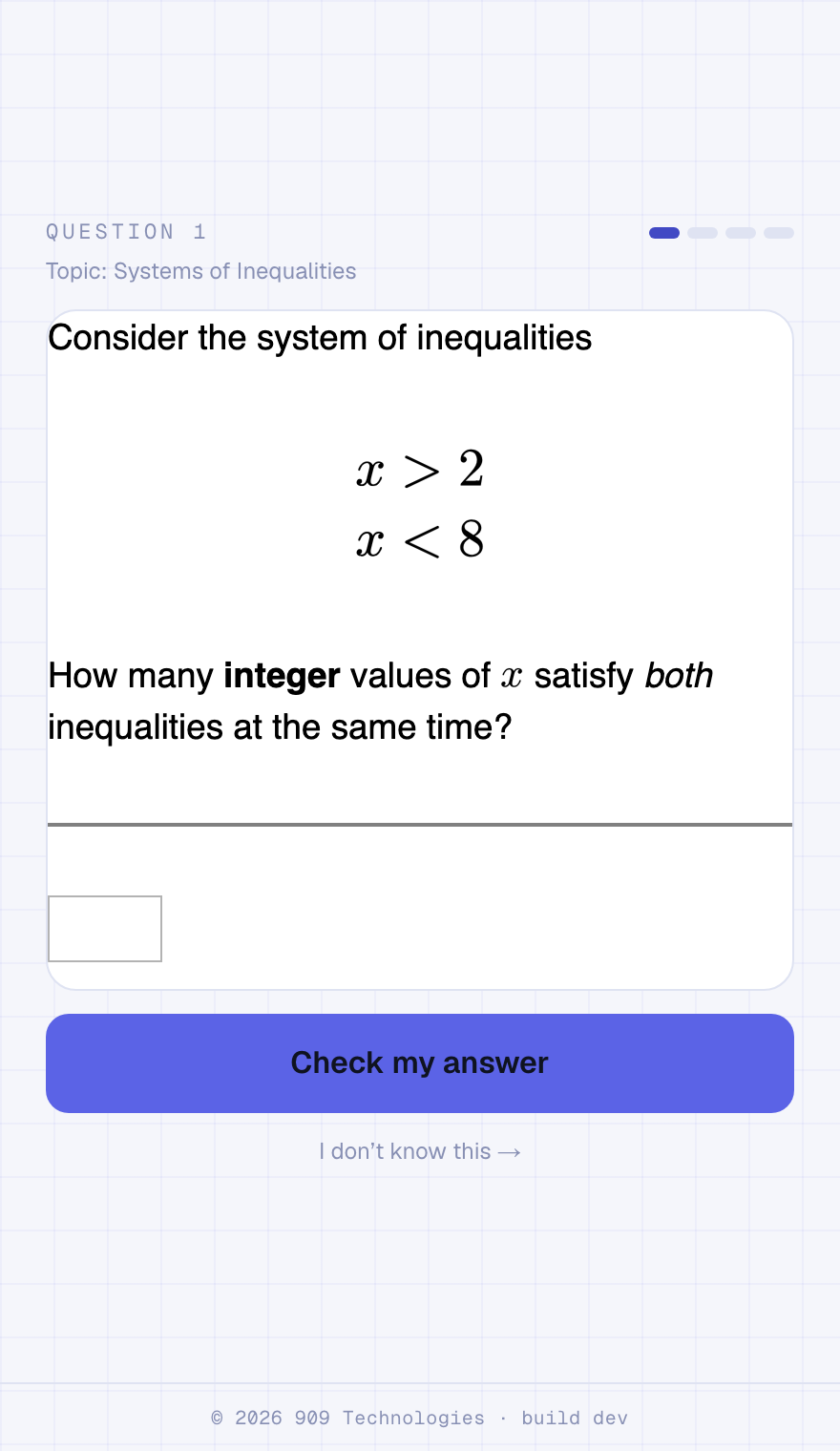
When you first sign in, Bija gives you a quick adaptive check — a handful of questions that find exactly where your math stands. Answer what you can and tap “I don't know this” on anything you're unsure of. Everything you've already mastered gets checked off, and you start on the first skill that's genuinely new — no scrolling past a hundred topics you already know.
Too easy or too hard? On your map, tap “Change my level” under the course name to take the check again and move up or down. Your exam-ready skills and anything you've reviewed always stay put.
Your daily plan
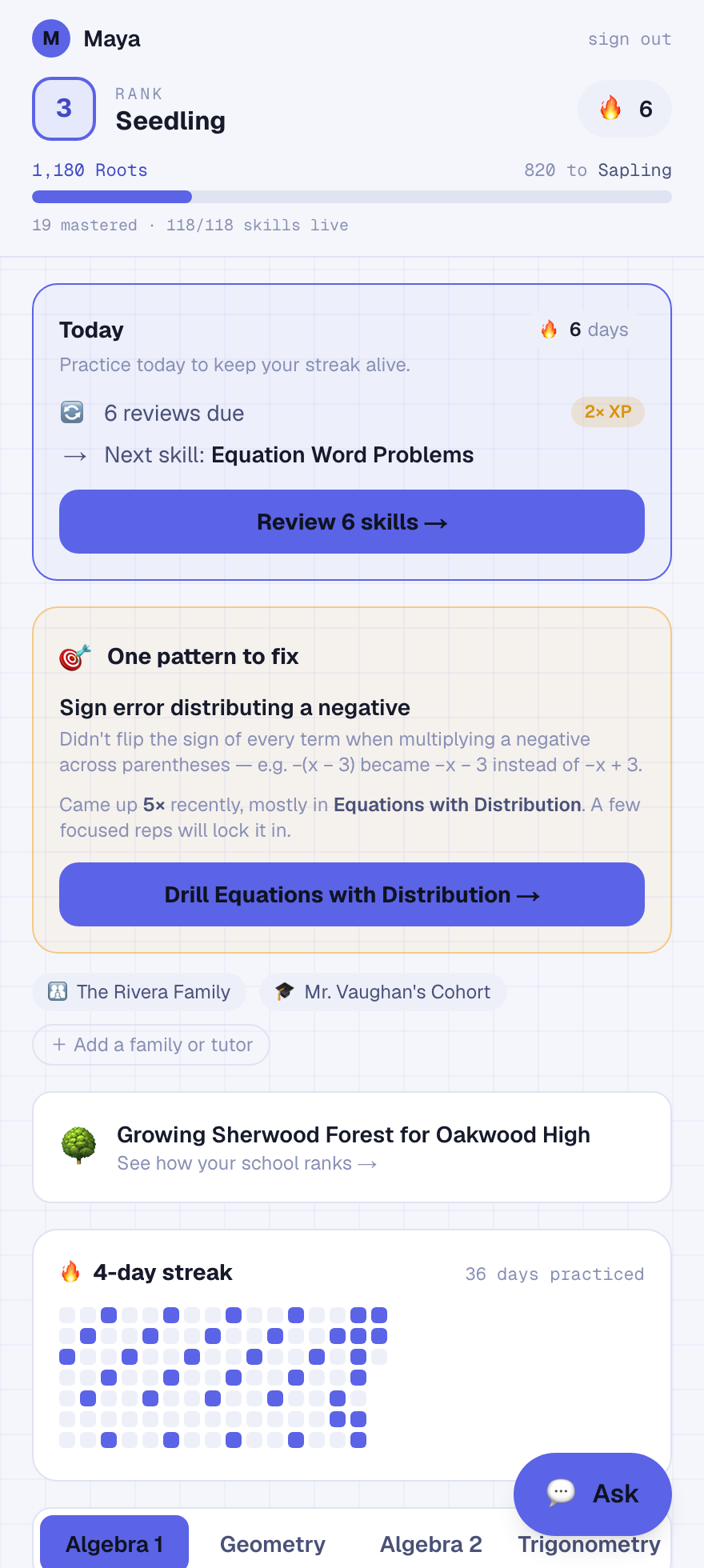
Every time you open Bija, the Today card up top tells you the one next thing to do — reviews that are due, the next skill to grow, or a Gauntlet to prove you're exam-ready — so you never have to plan your own session.
And if the same mistake keeps showing up across sessions, the coach card names it and gives you a focused drill to fix it — like a tutor who notices the pattern you can't see yourself.
How practice works
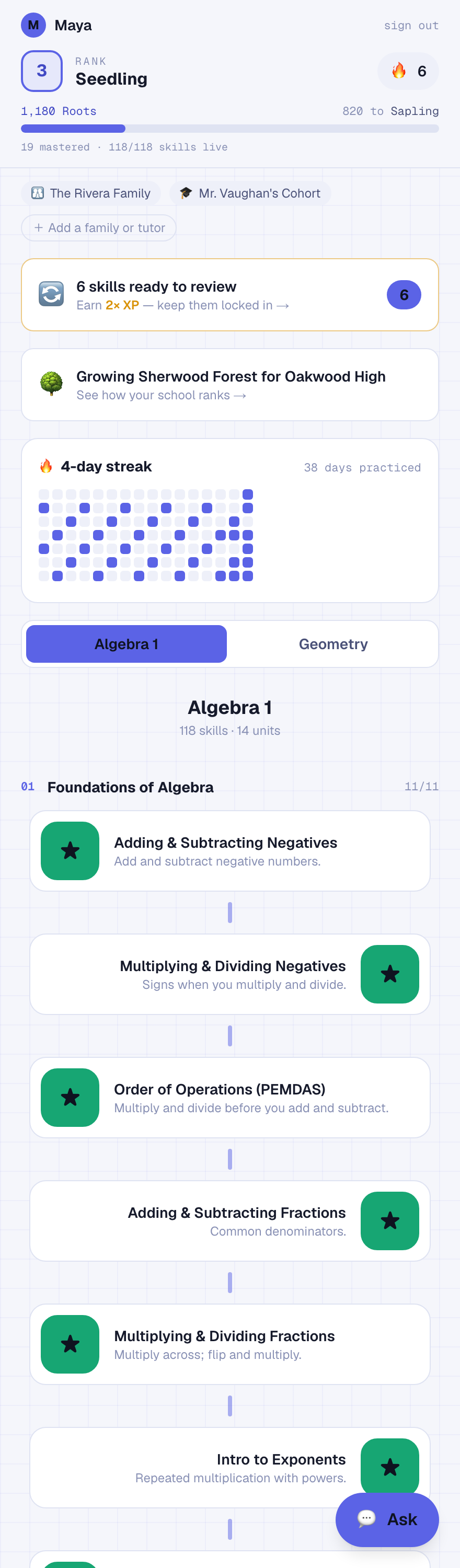
Your map shows a whole course as a path of skills — Algebra 1 and Geometry are live, and you can switch between them at the top of the map. Tap the skill you're on to start. Each one gives you a quick teach, then real questions.
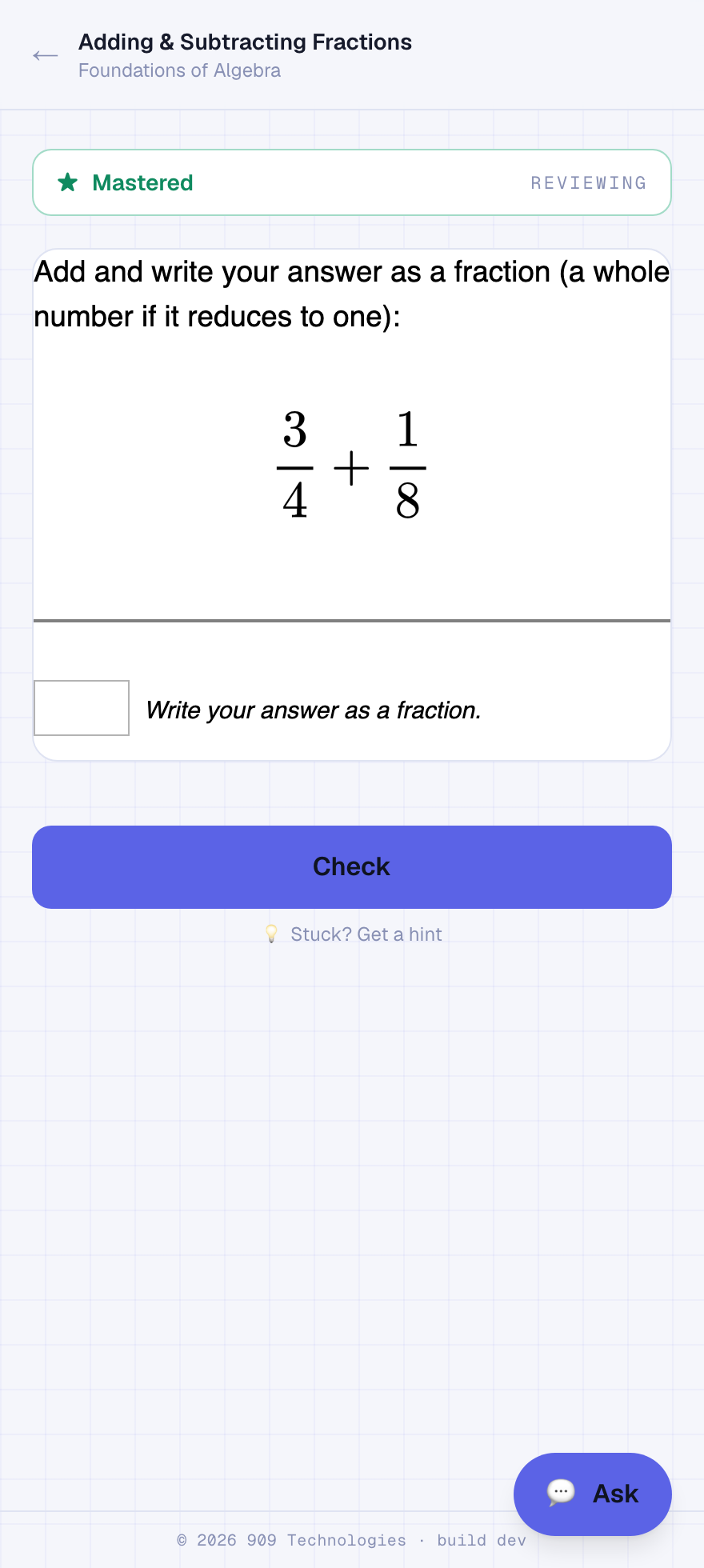
- Type your answer and tap Check.
- Get five in a row right and the skill turns gold — mastered — and the next skill unlocks.
- Miss one and the streak resets. That's on purpose: mastery means you really have it.
- Mastered skills come back later for spaced review so they stick for good.
On your phone: for number answers a numeric keypad pops up, with extra − and ⁄ buttons right under the box when you need a negative or a fraction.
Points & ranks
Every correct answer earns Roots. Harder skills and longer streaks are worth more. Roots grow you up a ten-stage ladder, from a first seed to an old-growth redwood:
Seed → Sprout → Seedling → Sapling → Rooted → Flourishing → Heartwood → Evergreen → Old Growth → Redwood
Hints & the tutor
Stuck on a question? Tap “Stuck? Get a hint.” Bija gives you a nudge — a question to think about or the next step to try. It won't just hand you the answer, because the point is to learn how to get there yourself.
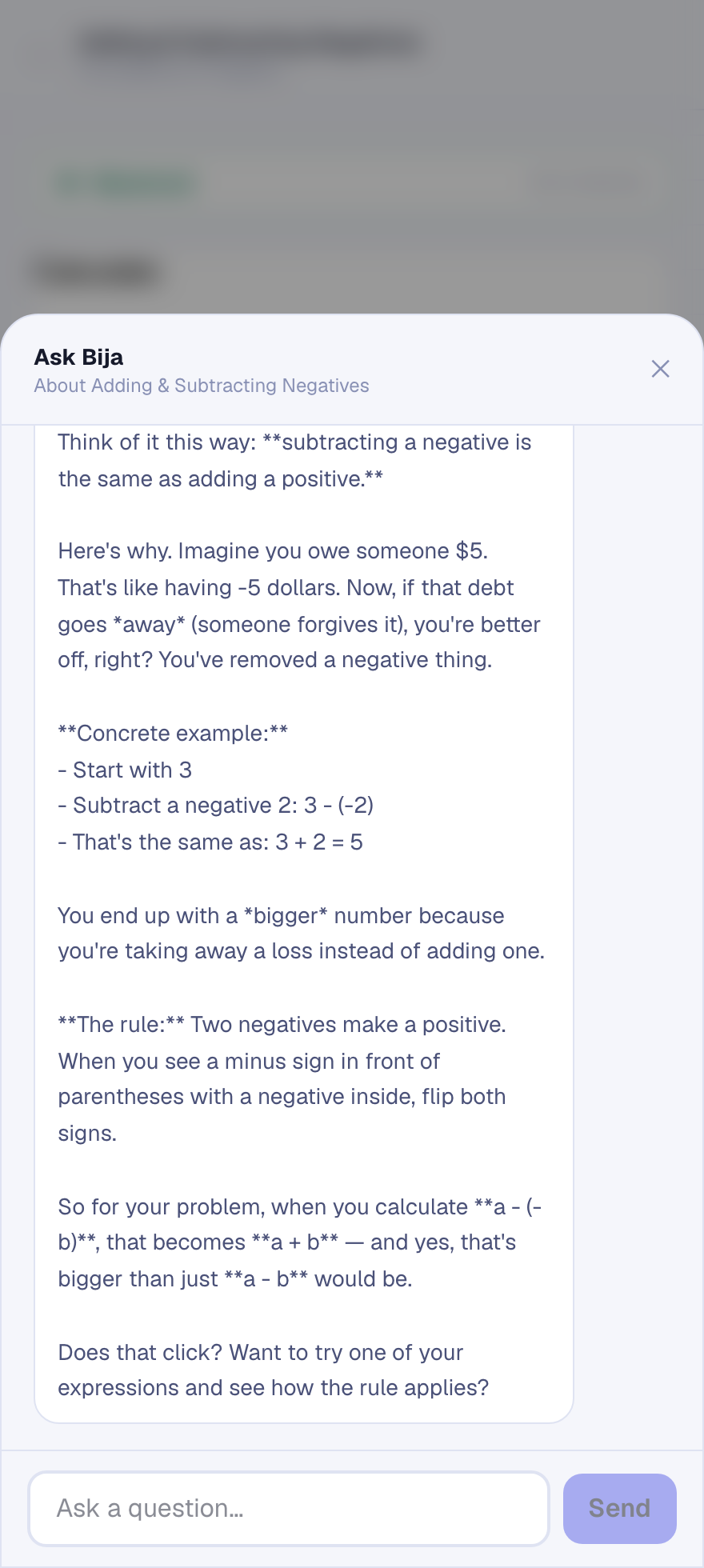
Want the deeper why? Tap the 💬 Ask button in the corner to open your tutor. Ask anything — “why does a negative times a negative make a positive?”, or “how do I even start this one?” — and it explains the idea in plain language, with a worked example when it helps. It knows which skill you're on, so answers stay on-topic.
Spaced review
Mastering a skill isn't the end of it. Bija brings each mastered skill back for a quick review right before you'd start to forget it — a day later, then a week, then a month. That's how things move into long-term memory instead of leaking out after the test.
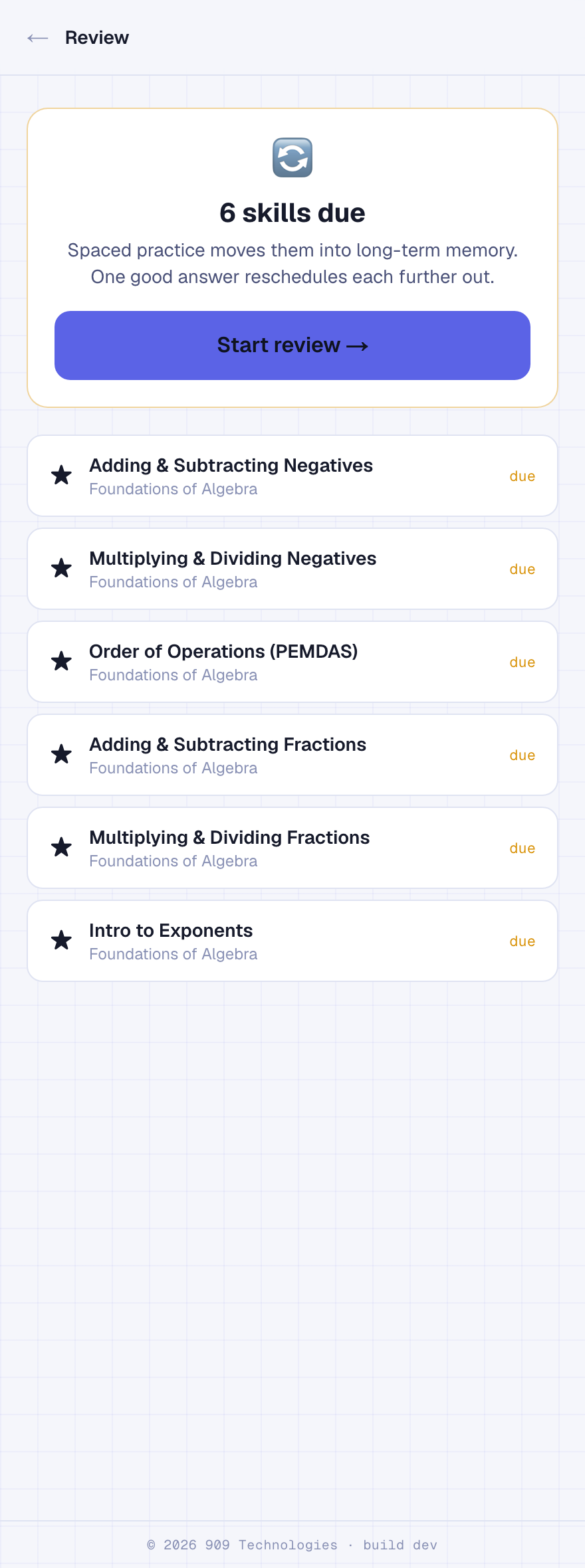
- When something's due, a “skills ready to review” banner appears on your map.
- Answer one question right and the skill is rescheduled further out — you're done.
- Clearing a due review earns double Roots, so it's always worth doing first.
Rep your school
Bija runs a friendly, school-vs-school rivalry called the Seven Forests. Pick your school once, and every problem you solve helps your school grow a real forest — Sherwood first, on toward the Amazon over the seasons.
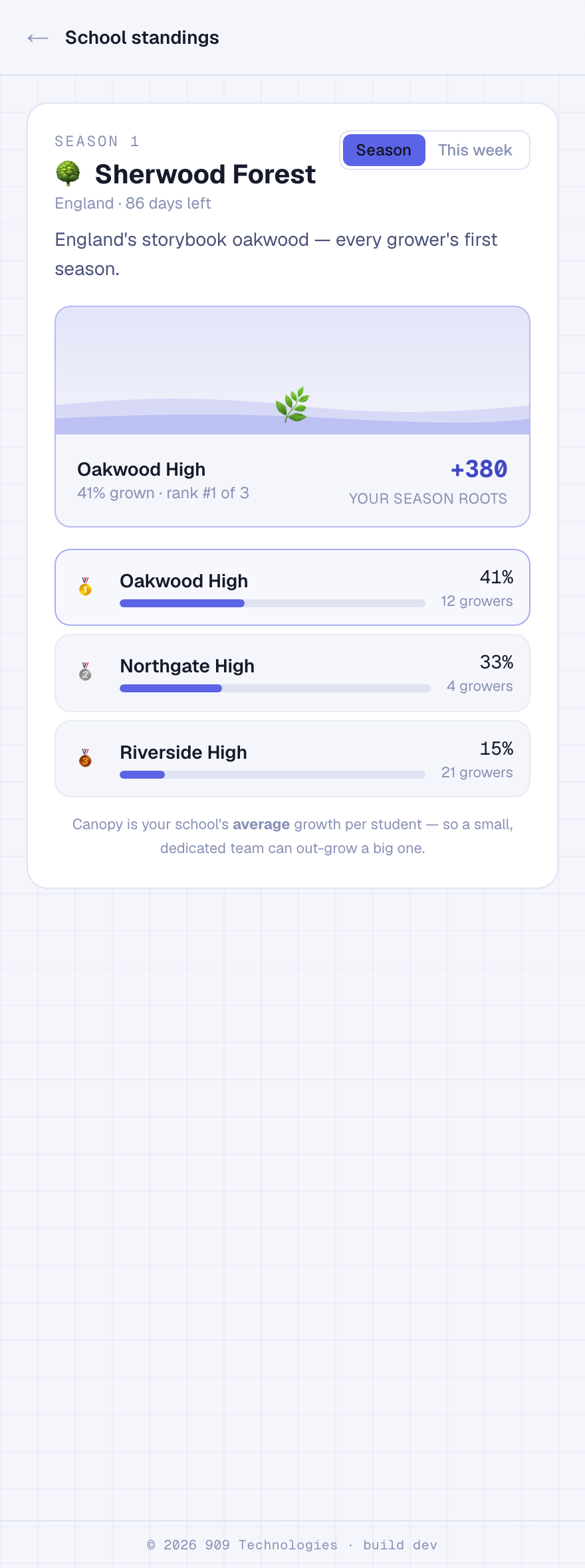
- Tap “Rep your school” on your map and search for your school to join.
- Standings rank by average growth per student — a small, dedicated school can win.
- It's schools competing, never individual students — no one is ever put on the spot.
Working with a tutor? A tutor can start a cohort and share a code, and you can join both a family and a tutor's cohort at once — both can see your progress.
Troubleshooting
I didn't get the text code
A question won't load
My phone shows the full keyboard for a number answer
− and ⁄ buttons shown just under the answer box.